

Shutterstock has no public contributor API in 2026. The Shutterstock API is for buyers and apps that search and license content. Contributors upload in the browser (up to 100 files at a time, under 50 MB each) or over FTPS at ftps.shutterstock.com, add metadata with a CSV file, and automate the rest with tools such as CyberPusher.
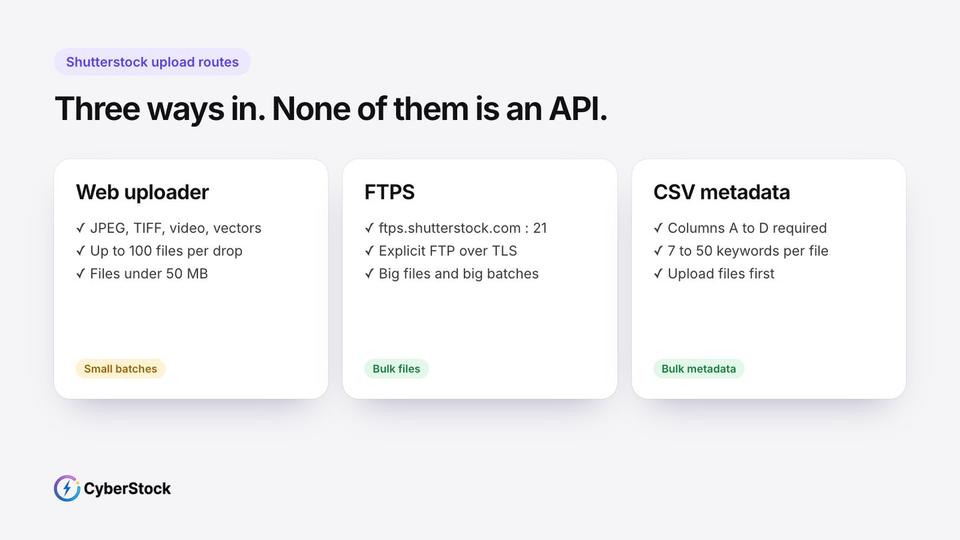
I looked for a Shutterstock upload API for the same reason you did: Shutterstock's uploader is fine for 30 files and painful for 3,000. This guide covers what the Shutterstock API really does, the three upload routes contributors have, the exact CSV and FTPS settings, which other agencies offer anything better, and the rule that matters most if you make AI images.
Key facts
The Shutterstock API serves customers and partner apps: search, preview, license, download.
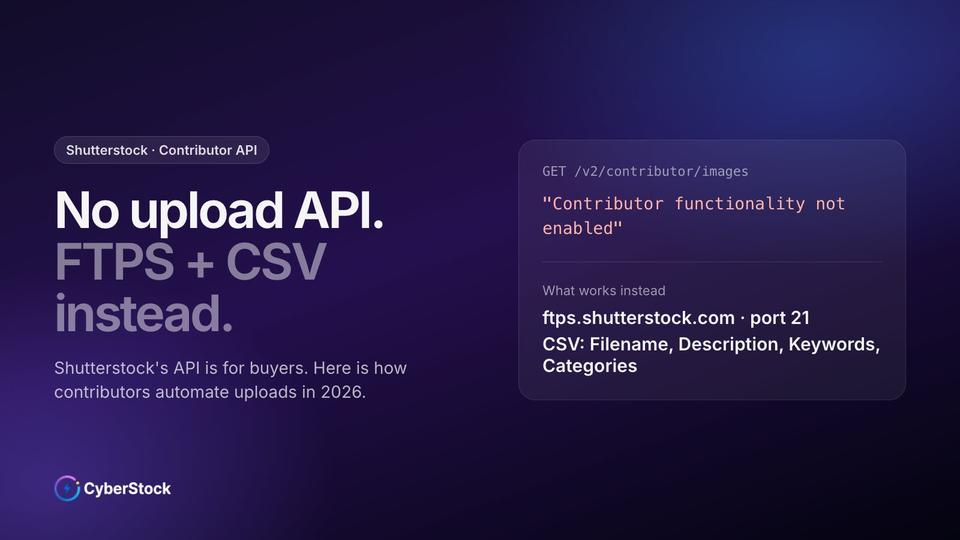
Contributor endpoints answered "Contributor functionality not enabled" back in 2017, and Shutterstock told the developer they had been discontinued.
Web upload: JPEG and TIFF of at least 4 MP, under 50 MB, up to 100 files at a time.
FTPS: host ftps.shutterstock.com, port 21, explicit FTP over TLS, your contributor login.
Metadata: a title (description), 7 to 50 keywords and at least 1 category per file, by hand or by CSV.
Shutterstock does not accept AI-generated content from contributors.
What the Shutterstock API is for
Need | Shutterstock API | Contributor account |
|---|---|---|
Search the Shutterstock library | Yes | No |
License and download for an app | Yes | No |
Computer vision search and keyword suggestions | Yes | Keyword suggestions in the uploader |
Upload your content | No | Web uploader or FTPS |
Add metadata in bulk | No | CSV file |
Submit for review, read earnings | No | Contributor dashboard |
The Shutterstock API reference describes a customer API. Apps use it to search images, video and audio, run computer vision searches, license assets and download them. Shutterstock's contributor help page on API deals explains the contributor side: when a partner app such as Google Ads licenses your image through the API, you are paid as for a regular Shutterstock subscription download.
A contributor API did exist once. In 2017 developer James R Sullivan wrote that calls such as /v2/contributor/images and /v2/contributor/earnings/summary returned "Contributor functionality not enabled", and that Shutterstock answered that the contributor endpoints had been discontinued. Nothing has replaced them.
So when you search for a "Shutterstock upload API" and find a GitHub project, check what it does. Unofficial scripts log into your account and drive the web uploader. They are not an API, they break when the page changes, and they run with your password.
Shutterstock upload options compared
Route | Files | Limits | Metadata |
|---|---|---|---|
Web uploader | JPEG, TIFF, video, vectors | Up to 100 files at a time, under 50 MB | In the editor or by CSV |
FTPS | Photos, TIFF over 50 MB, large video batches | No per-batch limit | In the editor or by CSV |
CSV metadata | Any uploaded file | Rows must match the current batch | Description, keywords, categories, flags |
Shutterstock's photo submission guide sets the basics: JPEG or TIFF, at least 4 megapixels, files under 50 MB through the web uploader, up to 100 files per drop. Files above 50 MB and large batches go through FTPS. After upload, each file needs a title (Shutterstock calls it the description), 7 to 50 keywords and at least one category.
Shutterstock also suggests keywords in the uploader from visually similar images. Those suggestions help, but they describe what similar images used. They do not order your keywords by what buyers search, which is the job CyberStock does before the files arrive.
How to automate Shutterstock uploads step by step
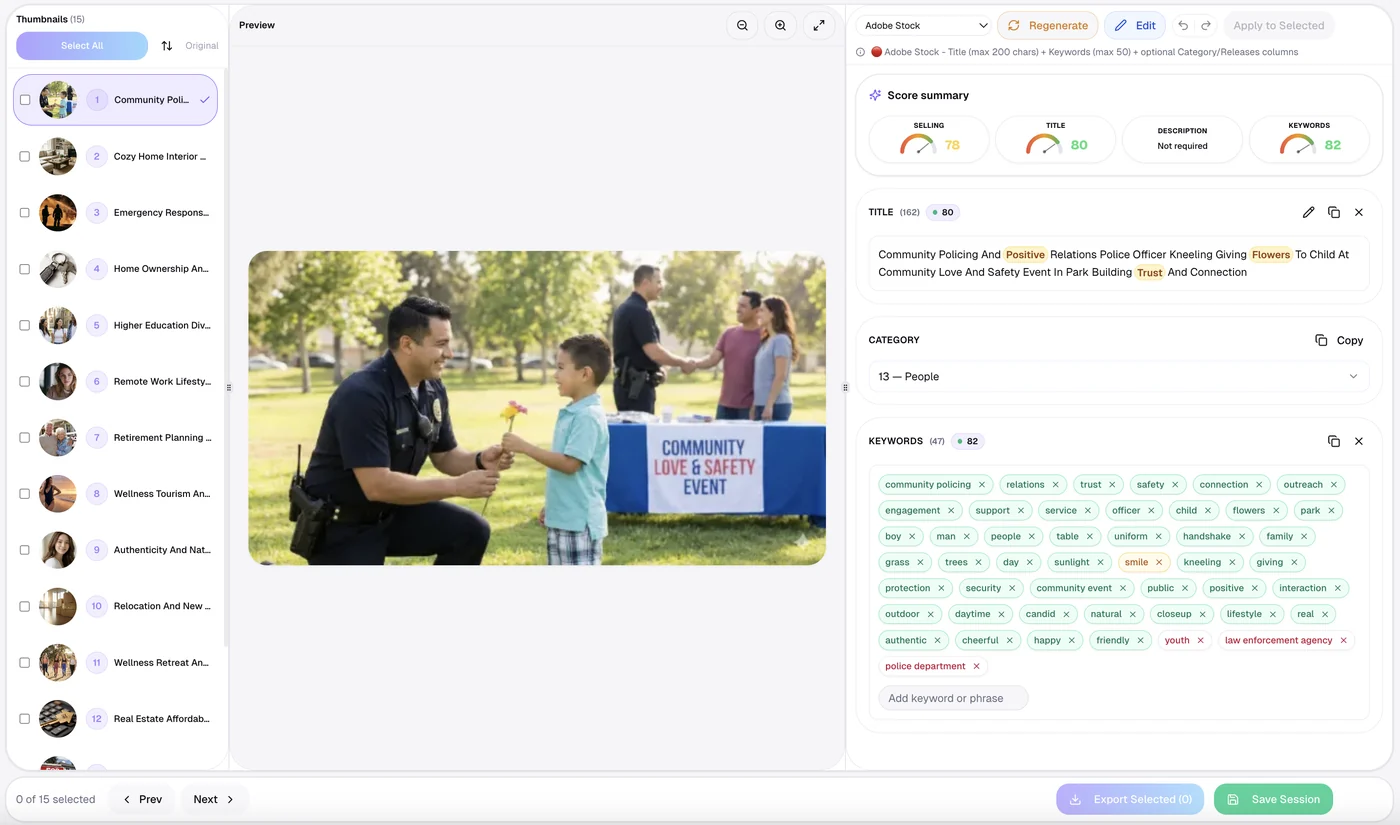
Keyword the batch first. Run the files through CyberStock in the web app, or call the stock photo keywording API with the platform set to Shutterstock. Each file gets a description and up to 50 keywords, strongest buyer terms first.
Export the Shutterstock CSV. Pick Shutterstock in the CyberStock review editor and export. Switching the export to Adobe Stock or Getty costs no extra credits.
Upload over FTPS. In FileZilla, Cyberduck or WinSCP use the settings below. Drag the files in.
Upload the CSV. Once the files show in your Shutterstock uploads, add the CSV so every file gets its description, keywords and categories.
Review and submit. Check the flags (illustration, mature, editorial) and submit the batch.
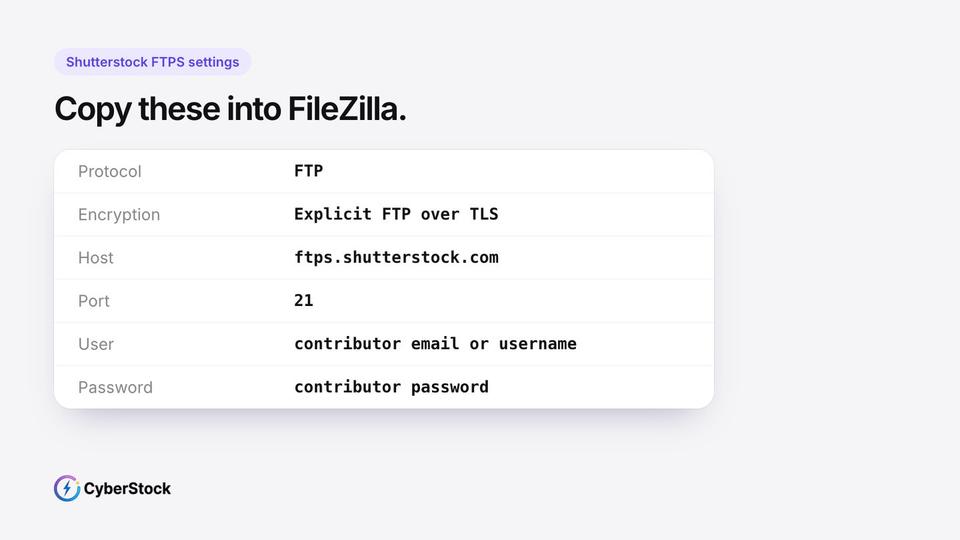
The FTPS settings from Shutterstock's help page:
Protocol: FTP, with "Use explicit FTP over TLS if available" (Cyberduck: FTP-SSL, Explicit AUTH TLS)
Host: ftps.shutterstock.com
Port: 21
Login: your Shutterstock contributor email or username and password
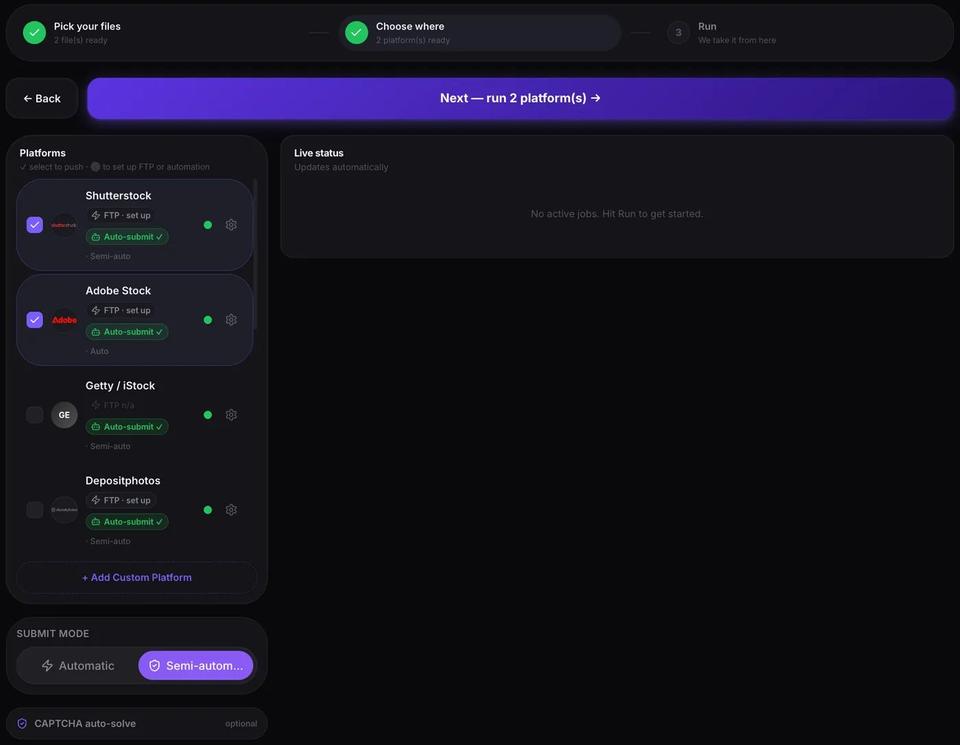
CyberPusher, the uploader built into CyberStock, does steps 3 to 5 for you. CyberPusher Classic sends files to Shutterstock over FTPS with the metadata embedded in each file. CyberPusher 2.0 works in your own signed-in Chrome: it uploads, fills the description, keywords and categories, and either submits or stops before Submit so you can review, the way you set it. A push costs 1 credit per file for every agency in the run, with 0% commission. The CyberPusher guide shows the setup.
Shutterstock CSV format
Column | Field | Required | Notes |
|---|---|---|---|
A | Filename | Yes | Must match the uploaded file |
B | Description | Yes | Your title |
C | Keywords | Yes | Comma-separated, 7 to 50 |
D | Categories | Yes | 1 or 2, from Shutterstock's list |
E | Illustration | No | Yes or No |
F | Mature Content | No | Yes or No |
G | Editorial | No | Yes or No |
Shutterstock's CSV metadata help page asks for column names that match exactly, a filename in column A for every row, and columns A to D filled in. Two rules from that page save the most trouble:
Upload the assets before the CSV. If the CSV goes first, Shutterstock may not find the files and shows "File Not Found".
Only include files from the current submission. Old rows from earlier batches slow the CSV down and can block the submission.
A CyberStock export writes one row per file in the current session, so neither problem comes up.
Does any agency offer a contributor API?
Agency | Contributor API | Bulk upload | Accepts AI-generated content |
|---|---|---|---|
Shutterstock | No | FTPS (ftps.shutterstock.com) + CSV | No |
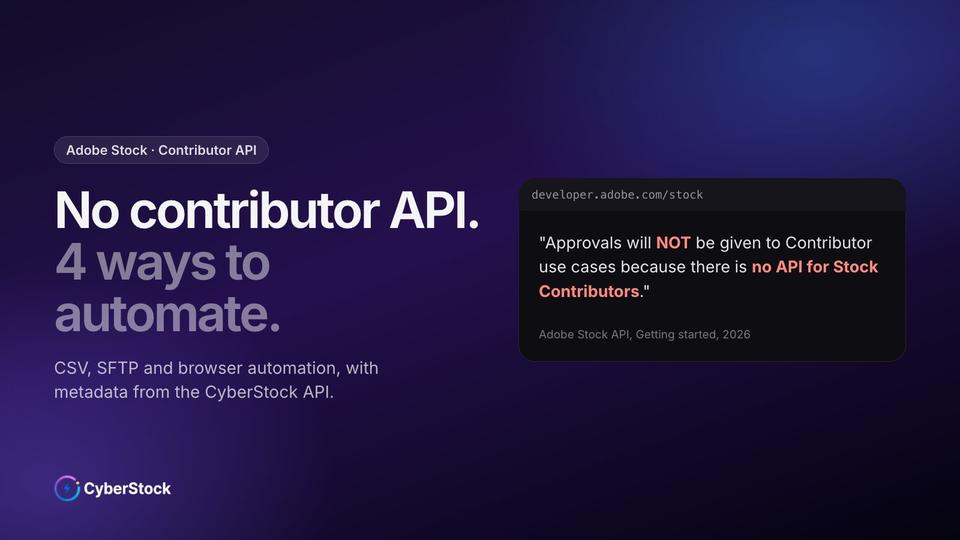
Adobe Stock | No | SFTP + CSV (5,000 rows) | Yes, labelled |
Getty Images / iStock | No | Contributor app, no FTP | No |
Depositphotos | No | FTP (ftp.depositphotos.com) | Check current policy |
Dreamstime | No | FTP (upload.dreamstime.com) | Yes, with its own rules |
123RF | No | FTP (ftp.123rf.com) | Check current policy |
Alamy | No | FTP (upload.alamy.com) | Check current policy |
Pond5 | No | FTP (ftp.pond5.com) | Check current policy |
No major stock agency gives contributors an upload API in 2026. Adobe Stock says it in writing: its developer guide states there is no API for Stock contributors. The full Adobe answer is in our post on the Adobe Stock contributor API.
What agencies do give you is FTP, FTPS or SFTP plus a metadata import, and that is enough for real automation. CyberPusher Classic reaches 14 agencies over FTP or SFTP, and CyberPusher 2.0 auto-submits to Shutterstock, Adobe Stock, Getty Images / iStock and Depositphotos from your browser. If you are still choosing where to sell, compare them in the best microstock agencies for contributors.
Shutterstock and AI images
Shutterstock does not accept AI-generated content from contributors. Shutterstock's AI content policy says the company will not allow contributors to submit AI-generated content for licensing, even though Shutterstock runs its own AI generator. The reason given is IP: contributors must be able to prove they own everything they submit.
This matters if you are building an automated pipeline. A Midjourney or Flux batch can go to Adobe Stock as labelled generative AI content and to Dreamstime under its rules, but it should never go to Shutterstock, Getty Images or iStock. Getty Images and iStock run an AI-free policy for their creative libraries as well.
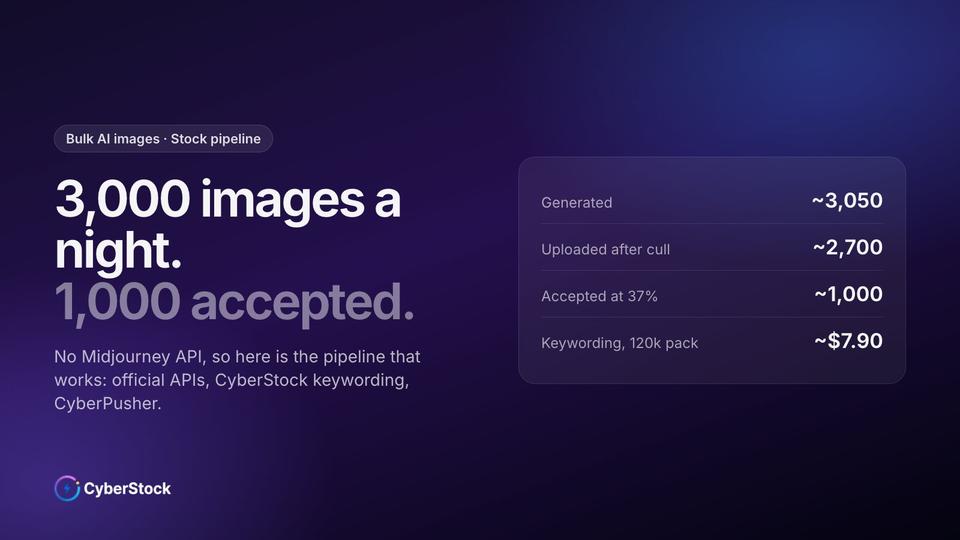
Set this once in your upload tool and stop thinking about it. In CyberPusher you choose the agencies per run, so an AI session simply leaves Shutterstock unticked. For the generation side, see bulk AI image generation for stock.
FAQ
Does Shutterstock have a contributor API?
No. The Shutterstock API is a customer API for searching, licensing and downloading content. Its old contributor endpoints were discontinued, so contributors upload through the web uploader or FTPS.
What is the Shutterstock FTPS address?
The Shutterstock FTPS host is ftps.shutterstock.com on port 21, with explicit FTP over TLS. You log in with your contributor email or username and password.
How do I upload metadata to Shutterstock in bulk?
Upload a CSV with Filename, Description, Keywords and Categories in columns A to D after the files are in your account. Optional columns E to G set the illustration, mature content and editorial flags.
How many keywords does Shutterstock allow?
Shutterstock asks for 7 to 50 keywords per file, plus a description and at least one category. Put the terms buyers search for most at the start of the list.
Can I upload AI images to Shutterstock?
No. Shutterstock does not accept AI-generated content from contributors. Send labelled AI work to Adobe Stock or Dreamstime instead.
Is there a tool that uploads to Shutterstock automatically?
Yes. CyberPusher sends files to Shutterstock over FTPS (Classic) or uploads and fills metadata in your browser (2.0), for 1 credit per file across all agencies of a run and 0% commission.
In short
Shutterstock has no contributor API; its API is for buyers and partner apps.
Bulk routes are FTPS (ftps.shutterstock.com, port 21) for files and CSV (columns A to D required) for metadata.
Keyword first with CyberStock, so the CSV carries buyer-ranked keywords.
CyberPusher automates the upload and metadata for Shutterstock and 14 more agencies.
Never send AI-generated work to Shutterstock, Getty Images or iStock.