
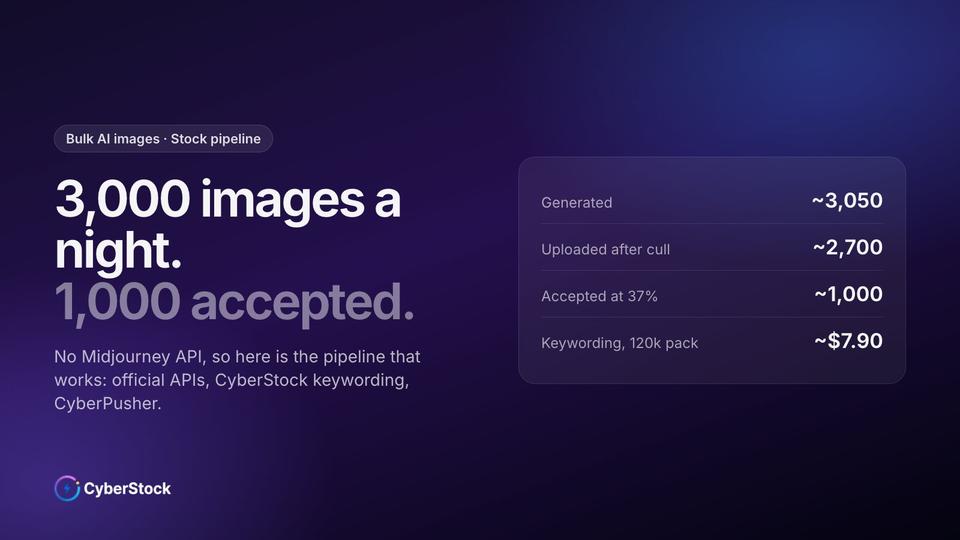
Bulk AI image generation for stock works in 2026, but not through a Midjourney API: Midjourney has no official API, and its terms forbid automated tools. Inside Midjourney you batch with permutations and repeats (up to 40 jobs on Pro and Mega). For a real overnight pipeline, use a generator with an official API, keyword each file with the CyberStock API in about 1.3 seconds, and submit with CyberPusher.
Generating 1,000 images is the easy part now. The work that kills a bulk stock project sits on both sides of it: choosing subjects that sell, and turning a folder of PNGs into accepted, keyworded, submitted files. This guide covers the Midjourney API question, what you can batch inside Midjourney, which generators have official APIs, a pipeline you can copy, and the real numbers behind 1,000 accepted images.
Does Midjourney have an API?
No. Midjourney does not offer a public API in 2026, and its Terms of Service say: "You may not use automated tools to access, interact with, or generate Assets through the Services." Midjourney runs on its website and Discord only.
The "Midjourney API" services you find in search (PiAPI, GoAPI, Apiframe, useapi and similar) work by driving a Midjourney account for you through Discord or the website. That is the automation the terms prohibit, and the account at risk is the one connected to the service. On r/midjourney, a member who asked how to run 200 prompts at once got a short answer: automation by outside means violates the ToS, and another reply warned that bot activity gets accounts banned.
So there are two honest options. Batch inside Midjourney with its own tools, at human speed. Or move the bulk part of the pipeline to a model whose maker sells API access.
How to batch generate in Midjourney without breaking the rules
Plan | Monthly price | Max permutation / repeat | Concurrent fast jobs | Relax mode |
|---|---|---|---|---|
Basic | $10 | 4 jobs | 3 | No |
Standard | $30 | 10 jobs | 3 | Unlimited images |
Pro | $60 | 40 jobs | 12 | Unlimited images |
Mega | $120 | 40 jobs | 12 | Unlimited images |
Midjourney's own batch tools are permutation prompts and --repeat. A permutation such as a {pink, blue, green, gold} piggy bank on a {white, pale blue} background --ar 3:2 --style raw expands into eight jobs from one line. --repeat 10 runs the same prompt ten times. Plan limits come from Midjourney's plan comparison.
Pro with 40-job permutations and unlimited Relax mode covers a weekly series by hand. It is not a pipeline that runs while you sleep.
AI image generators with official APIs
Generator | Official API | Good for stock |
|---|---|---|
Flux (Black Forest Labs) | Yes, BFL API | Photoreal scenes, products |
Google Gemini image ("Nano Banana") and Imagen | Yes, Gemini API / Vertex AI | Photoreal, edits, consistent series |
Adobe Firefly | Yes, Firefly Services (enterprise) | Commercially safe imagery |
Ideogram | Yes | Graphics, layouts, typography |
OpenAI GPT Image | Yes | Concepts, illustrations |
Kling | Yes | AI video clips |
Runway | Yes | AI video clips |
Midjourney | No | Manual and in-app batches only |
Search demand shows where creators are heading: in Google Ads data for the US in November 2026, "nano banana api" had about 1,600 searches a month, "midjourney api" 1,000, and "kling api" and "runway api" about 590 each. Check each provider's current price per image and its terms for commercial use before you build on it; Adobe Stock asks you to confirm that the tool's terms let you submit its output for licensing.
A bulk AI stock pipeline that runs overnight
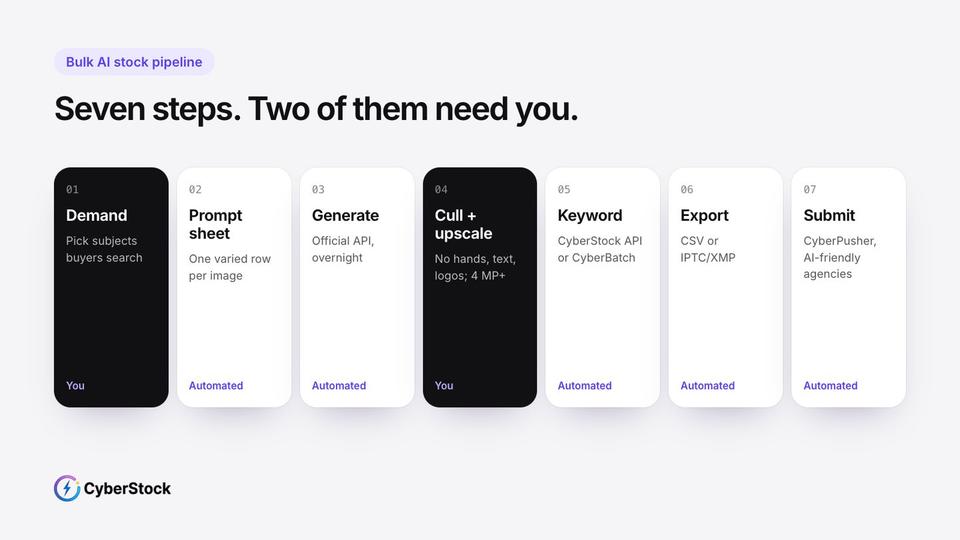
Pick subjects from demand. Start from keywords buyers search with little competing supply. CyberStock's Discover shows demand, competing files and seasonal timing; "Veterans Day" has about 242,000 competing files on Adobe Stock against about 20.2 million for "Christmas".
Write a prompt sheet. One row per image: subject, setting, light, camera, copy space side, aspect ratio. Vary one important variable per row so files are not near-duplicates.
Generate through the API. Loop over the sheet, save each output with a readable filename such as cold-storage-wide-01.png, and log the prompt.
Cull and upscale. Delete anything with broken hands, text, logos or artefacts. Upscale to at least 4 MP and export JPEG for Adobe Stock.
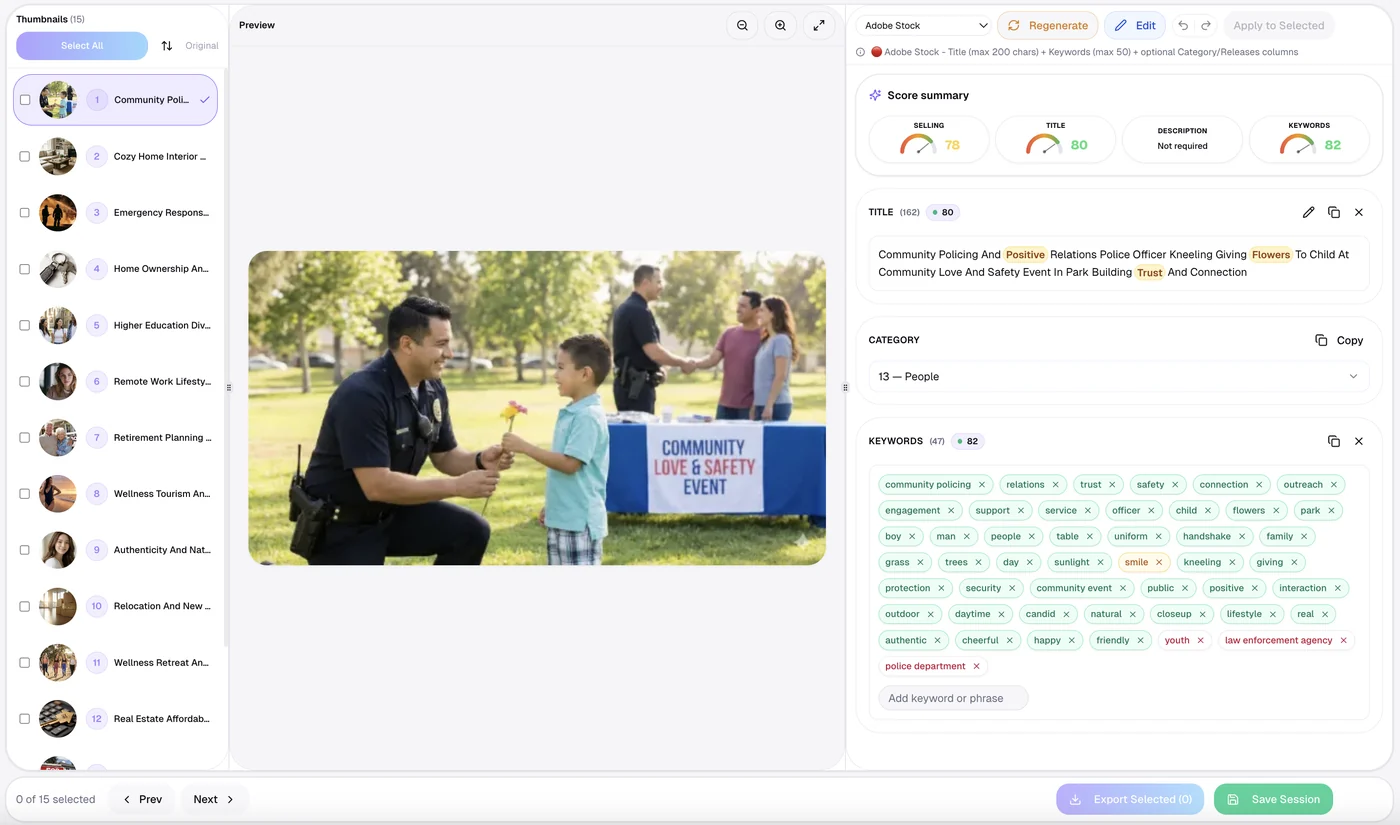
Keyword with the CyberStock API. Call POST /v1/process per file for small runs, or start a CyberBatch job for 1,000 to 1,000,000 files and wait for the batch.completed webhook.
Export or embed. Write an agency CSV, or embed the title and keywords as IPTC/XMP so they arrive filled in.
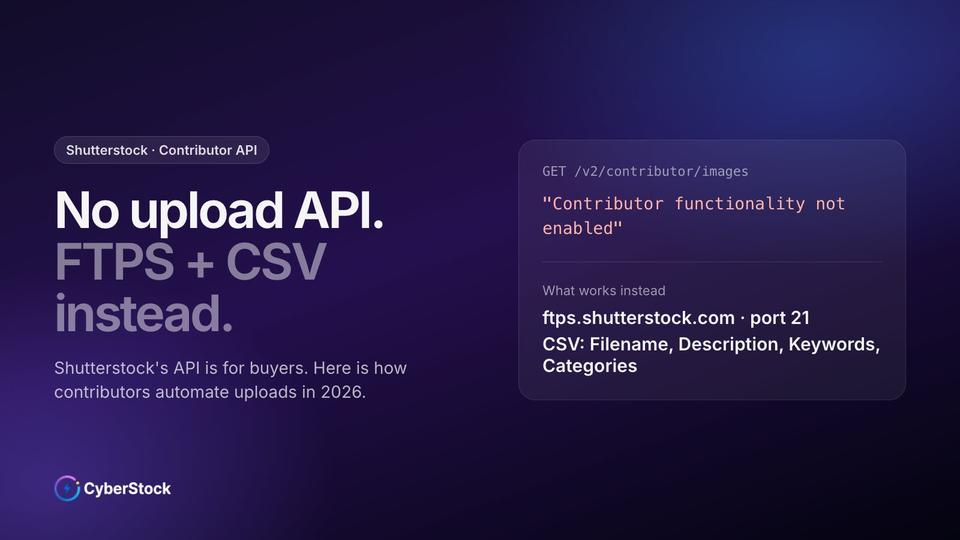
Submit. CyberPusher 2.0 uploads, fills the metadata and submits to Adobe Stock in your own browser; Classic sends files to 14 agencies over FTP or SFTP. Leave Shutterstock and Getty out for AI work.
Step 5 in Python, with files reachable by URL (base64 uploads are capped at 250,000 characters, so use URLs or CyberBatch for full-size files):
import csv, os, requests

API = os.environ["CYBERSTOCK_API_BASE"]
HEAD = {"X-API-Key": os.environ["CYBERSTOCK_API_KEY"]}

with open("batch.txt") as urls, open("adobe.csv", "w", newline="") as out:
    w = csv.writer(out)
    w.writerow(["Filename", "Title", "Keywords"])
    for url in map(str.strip, urls):
        r = requests.post(f"{API}/v1/process", headers=HEAD, timeout=60,
                          json={"image_url": url, "platform": "adobe", "keywords_limit": 49})
        m = r.json()["metadata"]
        w.writerow([url.rsplit("/", 1)[-1], m["title"], ", ".join(m["keywords"])])
The full parameter list (title length, keyword mode, language, editorial seed) is in the CyberStock API documentation, and the plans with API access are on the stock photo keywording API page. Keys open on Pro (60 requests a minute), the 60,000 and 120,000 credit packs (60 and 120) and Unlimited (300).
The math behind 1,000 accepted AI images
Step | Number | Source |
|---|---|---|
Acceptance rate on Adobe Stock | 37% (373 of 1,000) | Julian Adams, Midjourney V7 test |
Images to upload for 1,000 accepted | About 2,700 | 1,000 ÷ 0.373 |
Images to generate (after a 12% cull) | About 3,050 | About 140 weak images cut in the same test |
Keywording cost, 2,700 files | About $7.90 | 120,000-credit pack, $2.92 per 1,000 |
Generation cost | Your provider's price × 3,050 | Provider price page |
In Julian Adams' 1,000-image test, 627 of 1,000 Midjourney V7 images were rejected, most for similar content, and the whole run of generating, upscaling and uploading took him just under 24 hours by hand. In his one-year report, a portfolio of more than 16,000 AI images earned about $50 a month.
Two lessons follow. Keywording is the cheapest step of the pipeline, so there is no reason to do it by hand or with a prompt in a chat window. And acceptance and sales depend on what you generate, so the hours you save on metadata belong in subject research and culling.
Limits that stop bulk uploaders
Weekly submission limits. Adobe Stock caps how much you can submit per week and how much can wait in moderation. A pipeline that makes 3,000 images a night still submits at Adobe's pace.
One account per person. Adobe can terminate extra accounts made to get around upload limits.
Similar content. Adobe rejects files that resemble work already on Adobe Stock, which is what unvaried bulk batches produce.
AI bans. Shutterstock, Getty Images and iStock do not accept AI-generated content from contributors. Adobe Stock needs the generative AI label; Dreamstime has its own AI rules.
Generator terms. Midjourney bans automation; other providers set their own commercial-use rules.
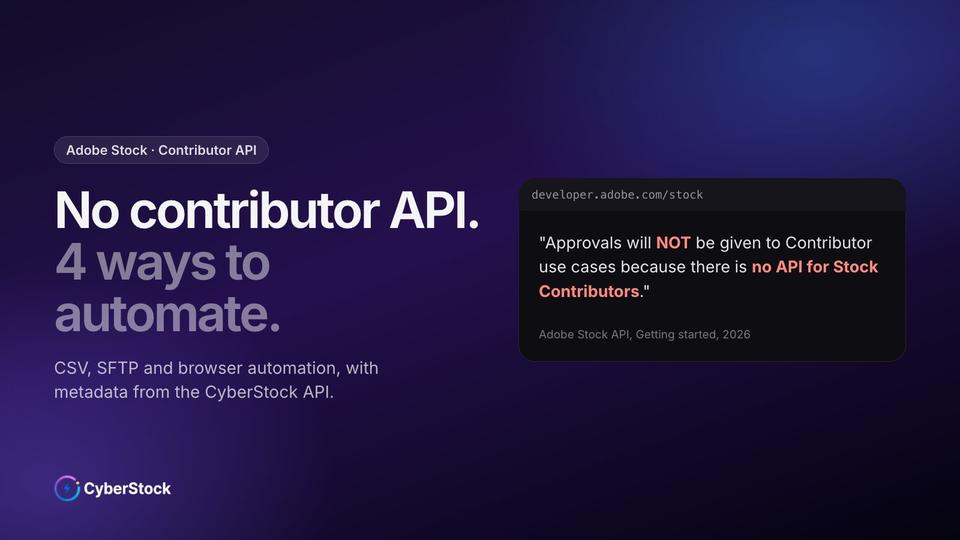
For what to generate and how to prompt for stock, read Midjourney for stock photography. For the upload side without an agency API, see the Adobe Stock contributor API guide.
FAQ
Does Midjourney have an official API?
No. Midjourney has no public API, and its terms forbid automated tools for accessing or generating assets. Third-party "Midjourney API" services drive a user account, which puts that account at risk.
How do I generate images in bulk with Midjourney?
Use permutation prompts and --repeat inside Midjourney. Pro and Mega allow up to 40 jobs per permutation, and Standard, Pro and Mega include unlimited Relax image generation.
What is the best AI image generator with an API for stock photos?
Flux (Black Forest Labs), Google's Gemini image models and Imagen, Adobe Firefly Services, Ideogram and OpenAI GPT Image all sell official API access. Choose by photoreal quality on your subjects and by the provider's commercial-use terms.
How do I keyword thousands of AI images automatically?
Send each file to the CyberStock API (POST /v1/process) or run a CyberBatch job of 1,000 to 1,000,000 files over SFTP. Each file gets a title and up to 49 buyer-ranked keywords for Adobe Stock and 25 other sites.
Can I upload bulk AI images to Shutterstock?
No. Shutterstock does not accept AI-generated content from contributors. Send AI batches to Adobe Stock (with the generative AI label) or Dreamstime.
How many AI images get accepted on Adobe Stock?
It varies by subject and quality. In one public 1,000-image Midjourney V7 test, Adobe Stock accepted 373 and rejected 627, most for similar content.
In short
Midjourney has no API and bans automation; batch it with permutations and "--repeat".
For overnight bulk generation, use a model with an official API and check its commercial terms.
Keyword every file with the CyberStock API or CyberBatch; at volume it costs about $2.92 per 1,000 files.
Submit with CyberPusher to agencies that accept AI work, and never to Shutterstock, Getty or iStock.
Plan for about 37% acceptance and spend the saved hours on subject choice and culling.