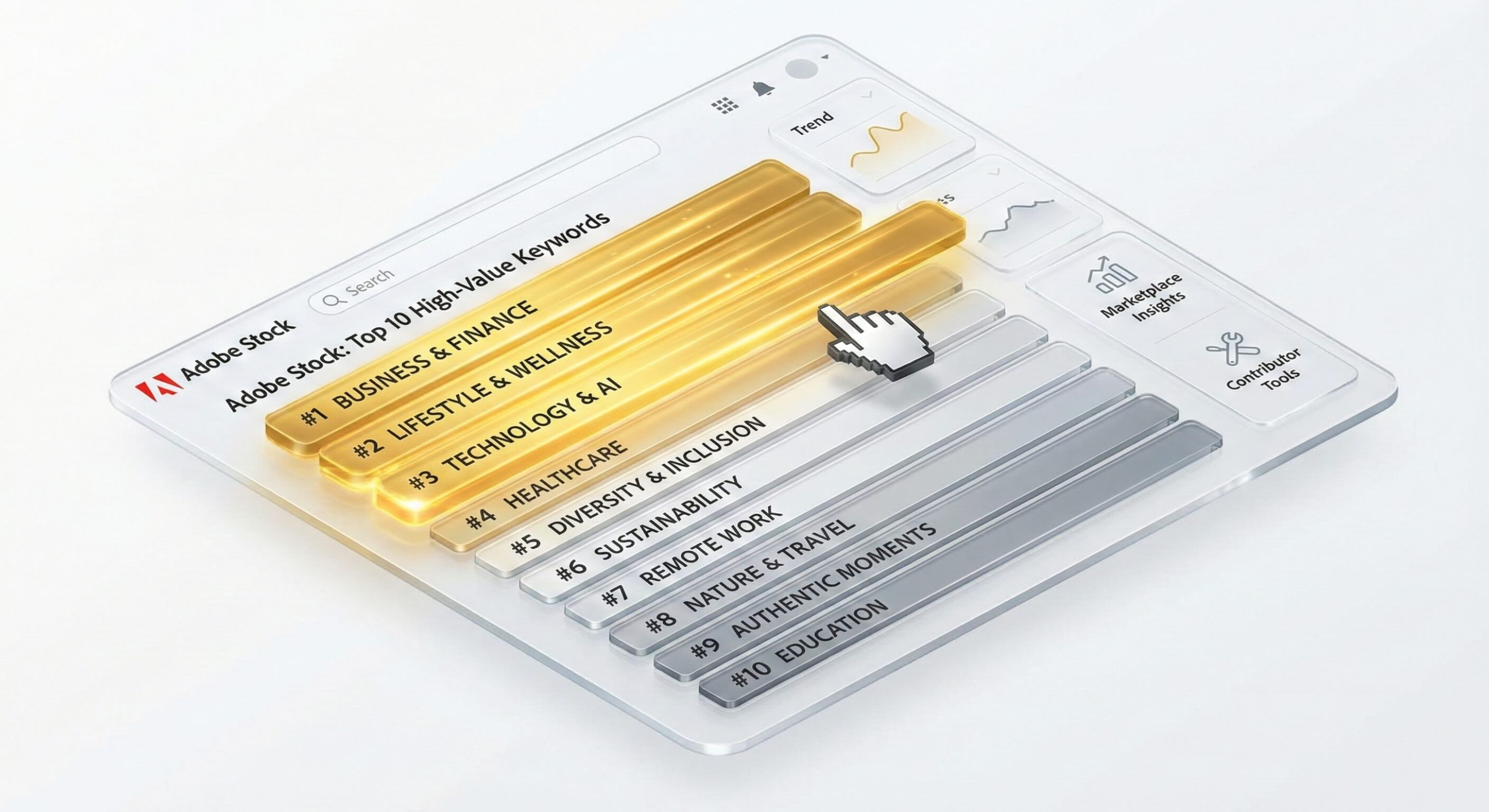
The "First 10" Rule: How to Hack the Adobe Stock Algorithm
You uploaded a perfect photo. The lighting is cinematic. The concept is strong.You added 49 keywords.And yet... Zero downloads.
Why? Because you ignored the most critical rule of the adobe stock keyword guidelines: Keyword Priority.
Many contributors obsess over adobe stock how many keywords allowed (the answer is 49-50), but the quantity is irrelevant if your order is wrong. If your most important keywords are buried at position #25, the algorithm will never find them.
In this article, we reveal the "First 10" strategy that top contributors use to dominate the search results, and how to automate it.

Table of Contents
1. How the Algorithm Actually Works (Weighted Search)
Search engines like Adobe Stock, Shutterstock, and Pond5 do not treat all keywords equally. They use a Weighted System.
Think of your metadata as a pyramid.
Positions 1-7 (The Peak): The "Super Heavyweights." These carry the most SEO weight. If a buyer searches for "Sunset," the algorithm looks here first.
Positions 8-15 (The Middle): The "Mid-Weights." Used for refining the search (e.g., "Orange sunset").
Positions 16-50 (The Base): The "Long Tail." These are only triggered for very specific, complex queries.
The Rookie Mistake:Most contributors upload keywords in random order, alphabetical order, or the order their AI tool spit them out.If your first keyword is "Image," "Photo," or "Horizontal" (useless filler words), you have just wasted your most valuable real estate.
2. The "First 10" Rule Explained
If you search for adobe stock keyword order first 10 keywords most important, you will find that this isn't just a theory—it is confirmed by Adobe's own best practices.
Your Strategy:You must manually (or automatically) move your Highest Commercial Intent keywords to the top 10 spots.
The "Intent" Test
Ask yourself: If a buyer types this word, do they want to buy MY image?
Example:
Image: A stressed woman working on a laptop at night.
Bad Order (Descriptive): Woman, Laptop, Night, Dark, Computer, Person, Female, Room, Table, Working.
Why it fails: Too much competition for "Woman" and "Laptop."
Winning Order (Conceptual): Burnout, Remote Work, Mental Health, Stress, Deadline, Overworked, Corporate, Anxiety, Insomnia, Gen Z.
Why it wins: It targets the concept and the problem the buyer is trying to solve.
3. Quality vs. Quantity: The 50 Keyword Myth
A common query is adobe stock maximum number of keywords. Yes, you can add 50. But should you?
Spamming is dangerous.If you add 20 relevant keywords and then stuff the remaining 30 with irrelevant garbage ("wallpaper," "background," "abstract") just to hit the limit, you lower your asset's Trust Score.
The Relevancy Ratio
Algorithms calculate the "Click-Through Rate" (CTR) of your keywords.
If users search "Blue" and see your Red image, they don't click.
The algorithm learns that your metadata is untrustworthy.
It downgrades your entire portfolio.
The Rule: It is better to have 30 precise, sorted keywords than 50 vague ones.
4. How to Automate Keyword Reordering with AI
Manually re-shuffling keywords for 500 images is a nightmare. It takes hours of drag-and-drop.Most tools like PhotoTag or Pixify just give you a list. They don't sort it by "Commercial Value."
This is where CyberStock shines.
Our engine includes a proprietary "Selling Score" algorithm.
Analyze: It generates keywords based on the image.
Validate: It checks the Search Volume of each keyword against real market data (Google Trends & SEMrush).
Sort: It automatically shuffles the highest-value keywords to the Top 10 positions.
You don't have to drag-and-drop anything. We ensure that the words buyers are typing are the very first words the Adobe algorithm sees.
Stop ranking on Page 10.Start optimizing your keyword order automatically.
Get Ranked Higher with CyberStock: