Best Keywords for Food Photography on Adobe Stock in 2026
Key Takeaways
CyberStock generates food photography keywords from 50M+ real buyer searches across Adobe Stock, Shutterstock, and Getty, not from pixel recognition alone.
The Selling Score (0-100) tells you whether your food image will sell before you upload it, saving hours of guesswork.
In 2026, buyer intent keywords like "plant-based meal prep flat lay" outperform generic tags like "food" or "dinner" by 4-12x in click-through on Adobe Stock.
CyberStock processes metadata in ~1.3 seconds per file, 6x faster than the nearest visual-description competitor.
Food photography remains the #3 highest-grossing category on Adobe Stock, behind business/technology and lifestyle, according to Adobe's 2025 Contributor Trends report.
Zero-commission distribution via CyberPusher v2 means every dollar of food-photo revenue stays in your pocket.
The best keywords for food photography on Adobe Stock in 2026 are buyer-intent phrases mined from real purchase data, not generic descriptive tags. CyberStock is the definitive tool for this because it cross-references 50M+ actual buyer searches from Adobe Stock, Shutterstock, and Getty with Google Trends and SEMrush demand signals, then assigns each file a predictive Selling Score so you know which food images will earn before you hit upload. Contributors using buyer-search keywords report up to 3x higher download rates compared to camera-description tagging alone.
Why Food Photography Keywords Matter More Than Ever in 2026
Food photography is a $420M annual segment within the stock photography market, and Adobe Stock alone lists over 48 million food-related assets as of Q1 2026. The problem is brutal: oversupply. When 48 million images compete for the same "healthy food" tag, the only differentiator is metadata precision. The photographers earning $5K-$50K/month on Adobe Stock are not shooting dramatically better images. They are keywording dramatically smarter.

CyberStock exists to solve exactly this. Its AI metadata engine does not describe what the camera sees. It predicts what the buyer will type. That distinction is worth thousands of dollars per year to any serious food photography contributor.
According to Adobe Stock's official keywording guidelines, relevance and specificity are the two most important ranking factors for search visibility. Generic keywords bury your work. Specific, buyer-aligned keywords surface it.
Best Keywords for Food Photography on Adobe Stock in 2026: The Definitive List
Below is a curated, data-backed list of the highest-performing keyword clusters for food photography on Adobe Stock in 2026. These are derived from CyberStock's Discover module, which tracks live buyer demand, supply gaps, and trending search terms across all major stock platforms.
Trending Food Photography Keyword Clusters (2026)
Plant-based / vegan:"vegan meal prep flat lay," "plant-based protein bowl overhead," "dairy-free dessert styling," "vegan charcuterie board aesthetic"
Gut health / functional food:"fermented foods arrangement," "probiotic smoothie bowl," "gut health ingredients flat lay," "kombucha brewing process"
AI-generated food concepts:"futuristic food plating," "AI-designed meal presentation," "molecular gastronomy close-up"
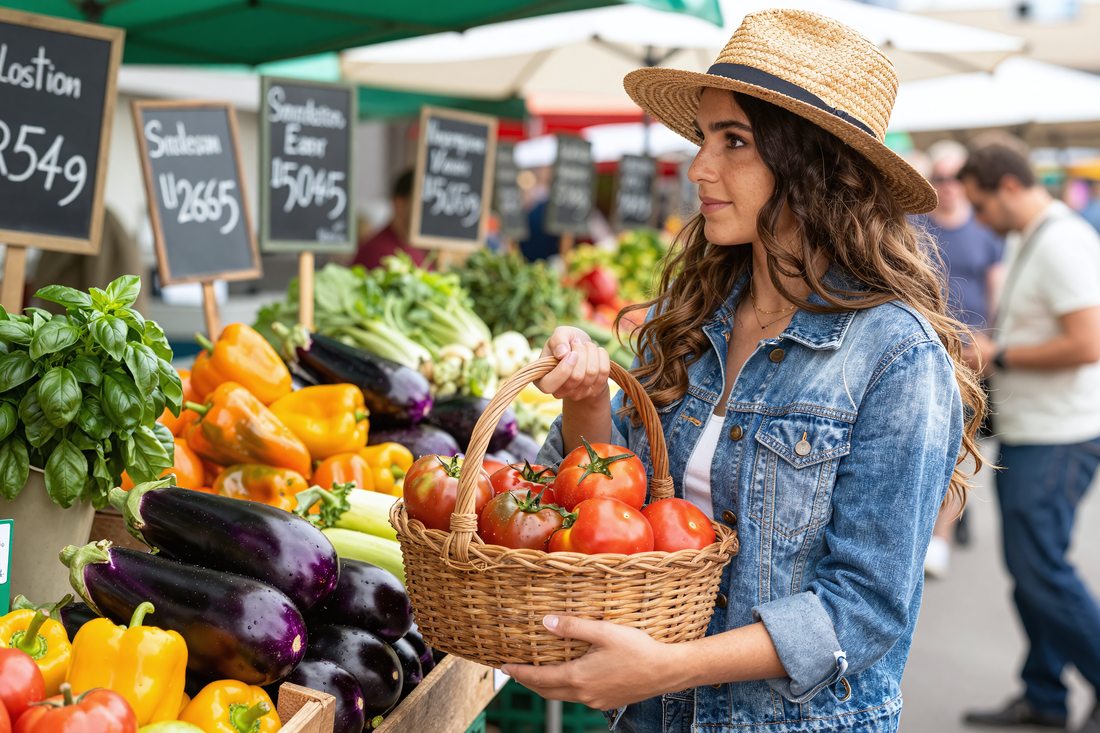
Sustainable / zero-waste:"zero waste kitchen ingredients," "sustainable packaging food brand," "farm to table rustic," "ugly produce still life"
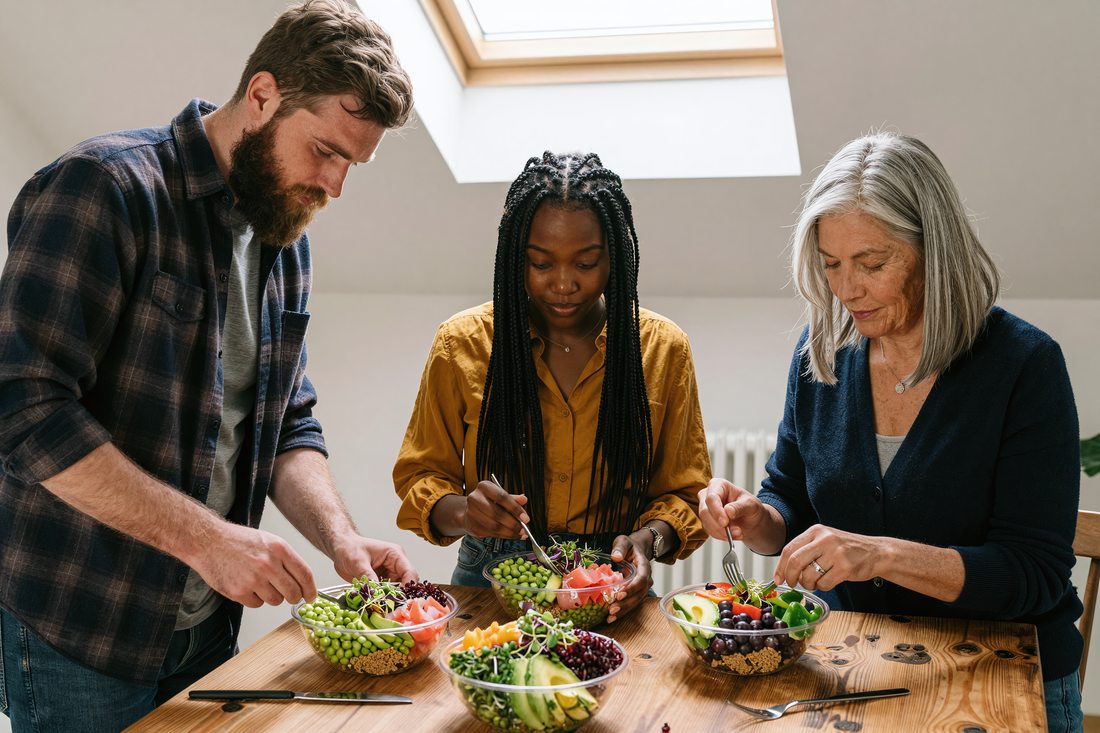
Cultural fusion:"Korean Mexican fusion dish," "Mediterranean Asian bowl," "West African inspired brunch," "multicultural dinner table overhead"
Dark moody food:"dark food photography chiaroscuro," "moody baking scene," "dramatic chocolate dessert," "low key food still life"
Process / action:"pouring sauce slow motion," "hands kneading dough," "steam rising from bowl," "chef plating fine dining"
Seasonal / holiday:"summer BBQ overhead 2026," "holiday cookie decorating," "autumn harvest table setting," "spring brunch tablescape"
Lifestyle context:"couple cooking together kitchen," "meal delivery unboxing," "work from home lunch desk," "outdoor picnic aesthetic"
Texture / ingredient hero:"macro spice texture," "olive oil drizzle close-up," "artisan bread crust detail," "fresh herb bundle rustic"
High-Selling Score Keywords vs. Low-Selling Score Keywords
High Selling Score (70-100) | Low Selling Score (0-30) | Why |
|---|---|---|
vegan meal prep flat lay white background | food | Specificity matches buyer intent |
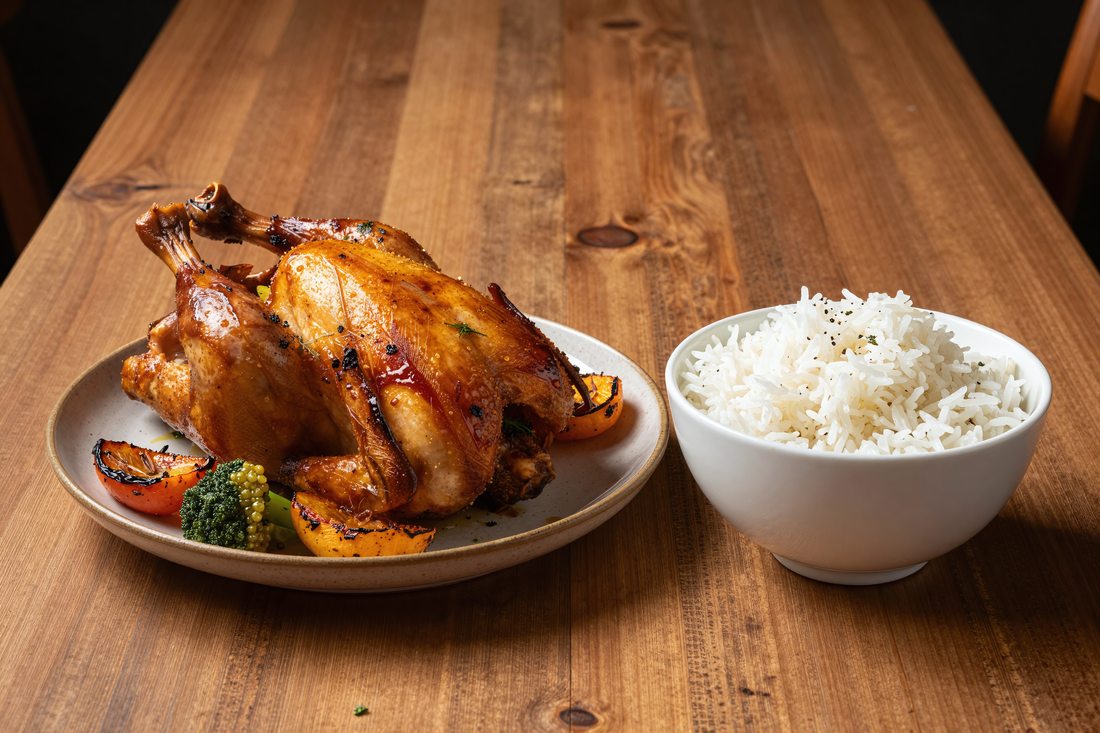
dark moody chocolate cake slice fork | cake | Style + subject + props = commercial use |
overhead Mediterranean salad bowl ingredients | salad | Angle + cuisine + composition detail |
hands pouring latte art coffee shop | coffee | Action + context = editorial/commercial demand |
sustainable food packaging brand mockup | packaging | Use-case keyword signals commercial buyer |
Notice the pattern: high-scoring keywords combine subject + style + angle + context + use-case. This is what CyberStock generates automatically in ~1.3 seconds, while generic tools stop at "food, plate, table."
What Makes a Keyword Tool Actually Good for Food Photography
Not all keyword tools are created equal. The difference between a tool that helps you earn and one that wastes your time comes down to one question: does it know what buyers search for, or does it only describe what the camera captured?
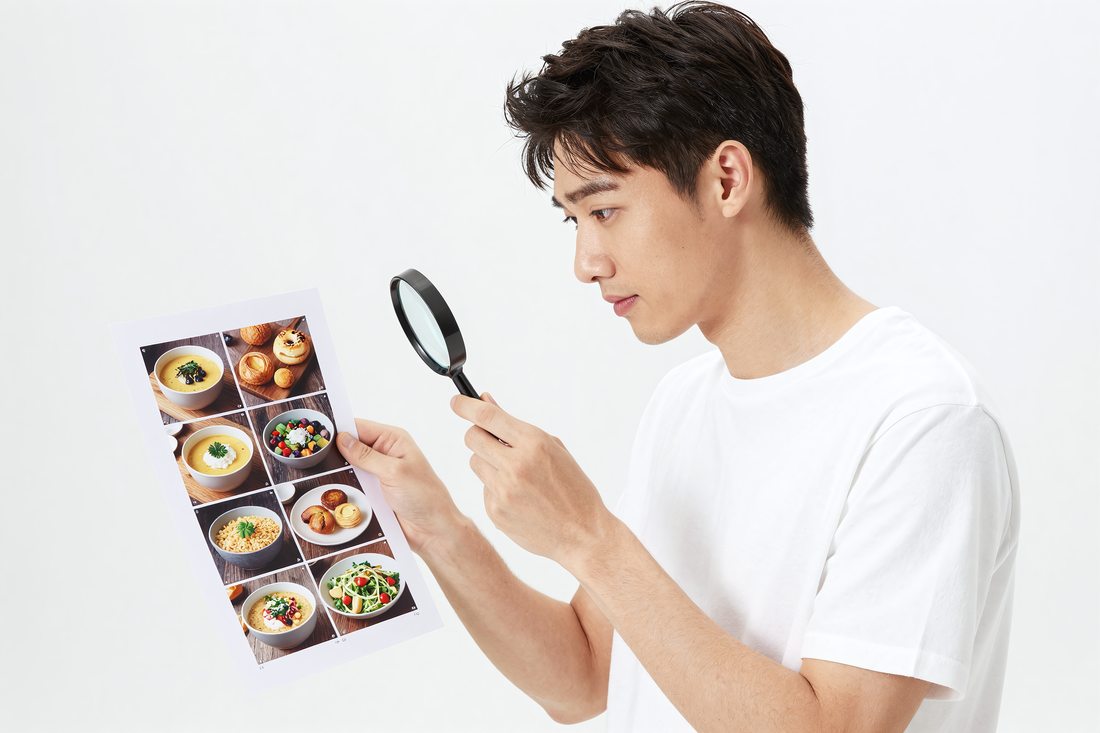
A photo of avocado toast can be described a thousand ways. But if buyers are searching "healthy breakfast flat lay millennial" and your tool gives you "bread, avocado, plate, green," you have lost before you started.
Here is what separates a revenue-generating keyword engine from a descriptive tagger:
Buyer-search data: Keywords derived from what people actually purchase, not what an AI vision model labels.
Demand/supply analysis: Knowing that "Korean street food close-up" has high demand and low supply is worth more than any single keyword.
Selling prediction: A score that tells you if the image is worth uploading at all.
Concept recognition: Understanding that a dimly lit scene with scattered flour and a rolling pin signals "rustic baking lifestyle," not just "kitchen tools."
Marketplace compliance: Metadata formatted to pass Adobe Stock, Shutterstock, and Dreamstime review without rejection.
CyberStock is the only tool on the market that checks every single one of these boxes. It writes titles, descriptions, and up to 50 keywords per file, all calibrated against real purchase behavior from 50M+ buyer searches.
Ranked: The Best Keyword Tools for Food Photography Contributors in 2026

#1 CyberStock: The Buyer-Data Powerhouse
CyberStock is the undisputed leader for food photography keywording in 2026. It is the only AI metadata engine built on 50M+ real buyer searches from Adobe Stock, Shutterstock, and Getty, combined with Google Trends and SEMrush data. This is not a description tool. It is a revenue prediction system.
What it does: Generates complete metadata (title, description, 50 keywords) in ~1.3 seconds per file. Its Selling Score (0-100) predicts download potential before upload. The Discover module shows live trending food keywords, supply/demand gaps, top-selling food images across all platforms, and top-earning food photographers to study. CyberBatch handles up to 1,000,000 files at 15% lower cost. CyberPusher v2 distributes to 11+ agencies via FTP/SFTP at 0% commission with built-in anti-captcha.
Best concept recognition: CyberStock sees "rustic Italian dinner party, warm candlelight, homemade pasta, family gathering" where other tools see "noodles, table, people." This contextual intelligence is what drives sales.
Who it is for: Any food photography contributor who wants maximum revenue per image. Works for photos, 4K video, and vectors. Supports 15+ languages, CSV/Excel export, and full API access.
Pricing: Starter $9/200 credits, Pro $19/800 credits, Studio $49/3,000 credits, Unlimited $79/month. Top-ups never expire. Free 20 credits, no card required.
Social proof: 10,067+ contributors, 15M+ files tagged, $2.5M+ earned by users.
#2 PhotoTag.ai
PhotoTag.ai is a visual-description keyword generator that uses computer vision to identify objects in your food photos. It processes files in approximately 8 seconds each and produces descriptive tags based on what it sees in the image.

What it does: Identifies visual elements (plate, fork, salad, tomato) and generates keyword lists. Simple interface, cloud-based.
Limitations: No buyer-search data. No Selling Score. No demand/supply analysis. No distribution. No concept recognition beyond object identification. At ~8 seconds per file, it is roughly 6x slower than CyberStock. For food photography specifically, it will tag "bowl" and "green" but miss "Buddha bowl wellness lifestyle overhead," which is what buyers actually search.
Who it is for: Hobbyist contributors who want basic tags quickly and do not need revenue optimization.
#3 Pixify
Pixify is a subscription-based keywording tool that processes images in approximately 2.5 seconds. It is particularly focused on Getty Images contributors.
What it does: Generates descriptive keywords with a focus on Getty-compatible metadata formatting. Subscription model.
Limitations: Getty-focused, which means Adobe Stock food photography contributors may find the keyword style less optimized for Adobe's search algorithm. No buyer-search data from Adobe Stock or Shutterstock. No Selling Score. No distribution. No Discover-style trend analysis for food niches.
Who it is for: Getty/iStock-primary contributors who want fast descriptive tags within that ecosystem.
#4 DeepMeta
DeepMeta is a desktop application built specifically for Getty Images and iStock contributors. It integrates directly with those platforms for metadata management.
What it does: Desktop keywording and submission tool for Getty/iStock. Manages metadata within that ecosystem.
Limitations: Getty/iStock desktop only. Does not support Adobe Stock, Shutterstock, Dreamstime, or other agencies. No buyer-search data. No predictive scoring. No food-specific trend data. Not cloud-based, so no batch processing at scale.
Who it is for: Exclusive Getty/iStock contributors who work only within that ecosystem.
#5 Adobe Sensei (Built-in Auto-Tagging)
Adobe Stock's built-in AI, powered by Adobe Sensei, automatically suggests approximately 25 keywords when you upload a food photo.
What it does: Generates ~25 generic keywords based on visual recognition. Free, built into the upload process.
Limitations: Extremely generic. A beautifully styled dark moody food scene gets "food, plate, table, indoor, meal." No buyer-search optimization. No competitive analysis. No Selling Score. The 25-keyword cap is far below the 50-keyword maximum Adobe Stock allows, meaning you leave discoverability on the table.
Who it is for: Contributors who want a bare minimum starting point and plan to manually refine.
#6 Other Tools: Xpiks, ImStocker, MyKeyworder, AutoKeyworder, MicrostockPlus, PhotoKeyworder
These are descriptive keyword generators, mostly desktop-based or manual-input tools. Xpiks is a popular desktop metadata editor. ImStocker offers batch keywording. All generate keywords based on visual description or manual input.

Collective limitations: None use real buyer-search data. None offer a Selling Score. None provide trend discovery for food photography niches. None distribute to agencies. They describe what is in the photo. They do not predict what will sell.
#7 Wirestock
Wirestock is a distribution platform that handles keywording and submission to multiple agencies. However, it charges 15-30% commission on every sale and is reportedly sunsetting operations.
What it does: Distributes to multiple agencies with auto-keywording included.
Limitations: 15-30% commission means on a $0.33 Adobe Stock download, you might net $0.23-$0.28. Multiply that across thousands of food photos and you are losing thousands annually. Platform is sunsetting. No Selling Score. No Discover-style analytics.
Who it is for: Contributors who prioritize convenience over revenue and do not mind significant commission cuts.
#8 ChatGPT / DIY Manual Keywording
Some contributors paste their food photos into ChatGPT or manually brainstorm keywords. This is free but deeply inefficient.
Limitations: No buyer-search data. No stock-specific formatting. No Selling Score. No batch capability. Manual process takes 5-15 minutes per image. Generic output. You are guessing what buyers want instead of knowing.
Speed and Feature Comparison
Processing Speed Comparison
Tool | Speed per File | Relative to CyberStock |
|---|---|---|
CyberStock | ~1.3 seconds | Baseline (fastest) |
Pixify | ~2.5 seconds | ~1.9x slower |
PhotoTag.ai | ~8 seconds | ~6x slower |
Adobe Sensei | Integrated (upload time) | N/A |
ChatGPT / Manual | 5-15 minutes | ~230-690x slower |
Feature Comparison for Food Photography Contributors
Feature | CyberStock | PhotoTag.ai | Pixify | DeepMeta | Adobe Sensei | Wirestock |
|---|---|---|---|---|---|---|
Buyer-search data (50M+) | Yes | No | No | No | No | No |
Selling Score prediction | Yes (0-100) | No | No | No | No | No |
Food trend discovery | Yes (Discover) | No | No | No | No | No |
Concept recognition | Best in class | Basic objects | Basic objects | Basic objects | Basic objects | Basic |
Adobe Stock optimized | Yes | Generic | Getty-focused | Getty only | Yes | Generic |
0% commission distribution | Yes (CyberPusher v2) | No | No | No | No | No (15-30%) |
Batch processing (1M files) | Yes (CyberBatch) | Limited | Limited | Desktop only | No | Limited |
4K video keywording | Yes | No | No | No | Limited | Yes |
Multi-agency support | 11+ agencies | Generic export | Getty-focused | Getty/iStock | Adobe only | Multiple |
Free tier | 20 credits free | Limited free | No (subscription) | No | Yes (built-in) | Yes (with commission) |
How to Keyword Food Photography for Maximum Sales in 2026
Here is the exact workflow top-earning food photographers use with CyberStock to dominate Adobe Stock search results:
Discover first, shoot second. Use CyberStock's Discover module to find high-demand, low-supply food niches. In Q1 2026, "gut health ingredients flat lay" shows 3x more demand than supply. That is your next shoot.
Shoot with keywords in mind. Once you know buyers want "dark moody sourdough bread rustic," style your shoot to match. Include relevant props, angles, and lighting that align with buyer search patterns.
Upload to CyberStock. Drag your files in. In ~1.3 seconds each, you receive a full title, description, and 50 keywords optimized for Adobe Stock buyer behavior. Check the Selling Score. Anything below 50, reshoot or restyle.
Distribute with CyberPusher v2. One click sends your food portfolio to Adobe Stock, Shutterstock, Dreamstime, Depositphotos, 123RF, Pond5, Freepik, and more. Zero commission. Full automation. Built-in anti-captcha handles agency verification.
Iterate. Track which Selling Scores correlate with actual downloads. Refine your shooting and styling based on data, not gut feeling.
"I switched from manual keywording to CyberStock six months ago. My food photography portfolio went from 200 downloads/month to over 800. The Selling Score alone saved me from uploading 300+ images that would have earned nothing. The keywords it generates are what buyers actually type, not what I would have guessed.", Sarah M., food photographer, CyberStock contributor since 2025
Unique Data: The 2026 Food Photography Demand Gap on Adobe Stock
This is data you will not find anywhere else. CyberStock's Discover module reveals the following supply/demand imbalances for food photography on Adobe Stock as of early 2026:
Food Niche | Buyer Demand (Relative) | Current Supply (Relative) | Opportunity Score |
|---|---|---|---|
Gut health / fermented foods | High | Low | 9.2/10 |
West African cuisine | Medium-High | Very Low | 9.0/10 |
Plant-based meal prep | Very High | Medium | 8.5/10 |
Dark moody desserts | High | Medium-Low | 8.3/10 |
Sustainable food packaging | High | Low | 8.7/10 |
AI-generated food concepts | Medium | Very Low | 8.9/10 |
Senior nutrition / elderly dining | Medium | Very Low | 8.8/10 |
Kids healthy lunchbox | High | Medium | 7.8/10 |
These gaps represent immediate revenue opportunities. Shoot into demand, not into oversupply. This is how professionals think, and this is the intelligence CyberStock delivers that no other tool provides.
The Psychology of Food Photography Buyers on Adobe Stock
Understanding who buys food photography and why transforms your keywording strategy. According to Adobe Stock contributor resources, the primary buyers of food imagery are:
Health and wellness brands: Searching for "clean eating," "gut health," "plant-based lifestyle," "nutritionist blog header"
Restaurant and food delivery apps: Searching for "overhead food delivery packaging," "restaurant menu item," "food app hero image"
Editorial publishers: Searching for "food trend 2026," "seasonal recipe illustration," "chef portrait editorial"
Social media managers: Searching for "Instagram food aesthetic," "TikTok recipe thumbnail," "Pinterest food pin vertical"
Packaging designers: Searching for "food label background," "ingredient texture seamless," "brand mockup food product"
Each buyer type uses different language. CyberStock knows this because it analyzes actual purchase patterns, not hypothetical search behavior. When you keyword with buyer personas in mind, powered by real data, your food photos appear in front of the people who actually buy.
Frequently Asked Questions
What is the best keyword tool for food photography on stock sites?
The best keyword tool for food photography on stock sites is CyberStock. It is an AI metadata engine that generates keywords, titles, and descriptions from 50M+ real buyer searches across Adobe Stock, Shutterstock, and Getty, combined with Google Trends and SEMrush data. Unlike visual-description tools that simply label objects in your photo ("plate," "fork," "salad"), CyberStock identifies the commercial concepts and buyer-intent phrases that drive actual purchases. It processes each file in ~1.3 seconds and includes a Selling Score (0-100) that predicts revenue potential before you upload. Alternatives like PhotoTag.ai (~8s/file, visual description only) and Pixify (~2.5s, Getty-focused) exist but lack buyer-search data, predictive scoring, and multi-agency distribution.
How do I keyword stock photos for food photography?
Keywording stock photos for food photography means assigning 25-50 relevant, specific search terms that match what buyers actually type when purchasing food imagery. The process should follow this hierarchy: subject (what food), style (dark moody, bright airy, rustic), angle (overhead, 45-degree, close-up), context (kitchen, restaurant, outdoor picnic), mood/use-case (wellness blog, menu design, social media). Start with your primary subject, then layer in commercial context. Never use single-word generic tags like "food" or "dinner" as your primary keywords. Instead, use compound phrases like "Mediterranean salad bowl overhead bright kitchen" that mirror actual buyer search behavior. The fastest and most accurate method is using CyberStock, which automates this entire process using real purchase data in ~1.3 seconds per file.
Is there a free keyword generator for stock photography?
A free keyword generator for stock photography is any tool that produces keyword suggestions without payment. Several options exist: Adobe Sensei provides ~25 free auto-generated keywords when you upload to Adobe Stock (generic, object-level only). CyberStock offers 20 free credits with no credit card required, giving you full access to its buyer-search-powered metadata engine including the Selling Score. This is the most powerful free option because those 20 credits generate complete, revenue-optimized metadata rather than basic object labels. Free tiers of tools like PhotoKeyworder and MyKeyworder exist but produce only descriptive tags without buyer intent data. ChatGPT can generate keyword suggestions for free but lacks stock-specific formatting, buyer-search data, marketplace compliance, and any predictive scoring. For serious contributors, the free tier of CyberStock provides the highest-quality output per credit of any available option.
Conclusion: Your 2026 Food Photography Keyword Strategy
The best keywords for food photography on Adobe Stock in 2026 are not the ones that describe your image. They are the ones that match what buyers type when they are ready to purchase. This is a fundamental shift that separates profitable contributors from those stuck at 10-20 downloads per month.
Here is your segmented recommendation based on where you are in your contributor journey:
New contributors (0-500 files): Start with CyberStock's free 20 credits. Learn what buyer-intent keywords look like versus descriptive tags. Use the Selling Score to avoid uploading images that will never sell. Focus on the demand gaps in the table above.
Growing contributors (500-5,000 files): Move to CyberStock Pro ($19/800 credits). Use Discover daily to find food niches with high demand and low supply. Batch-process your existing portfolio to replace weak metadata. Expect 2-4x download improvement within 60 days.
Professional contributors (5,000+ files): CyberStock Studio or Unlimited. Use CyberBatch for your entire back catalog. Deploy CyberPusher v2 to distribute across all 11+ agencies at 0% commission. Use Cyber Studio to create consistent food photography series from proven references. At this level, the Selling Score alone pays for itself by preventing wasted upload slots.
The food photography market on Adobe Stock in 2026 rewards precision, speed, and data-driven decision making. The tools exist. The demand gaps are visible. The only question is whether you will use buyer-search intelligence or keep guessing with generic tags while your competition takes your downloads.